
iPhone, iPad and MacVisual tour

Explore the studio

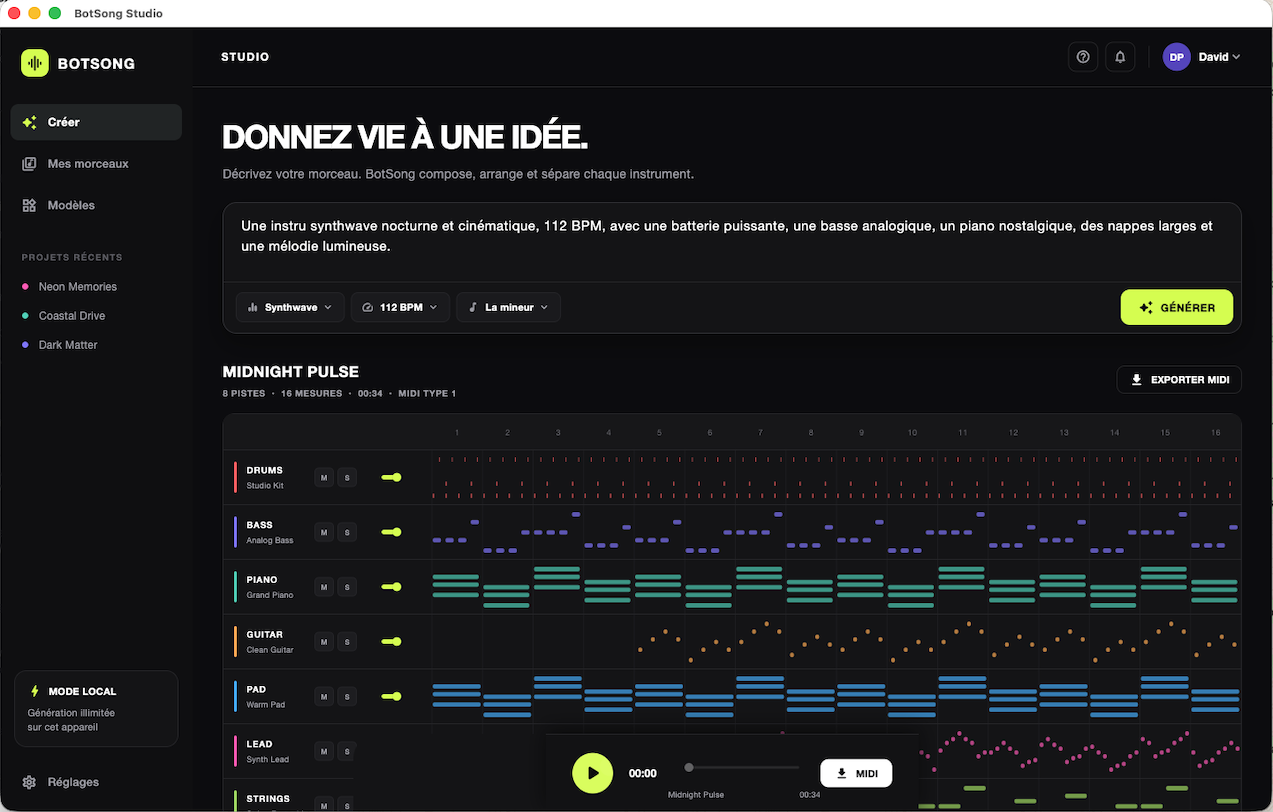
BotSong Studio

One interface, the whole song

Composition starts with the prompt and inspiration MIDI. The timeline opens tracks, notes, chords, sections, lyrics and density. The transport brings together playback, mixing, karaoke and exports.

Suggested tour

  1. Describe the song and choose its duration.
  2. Optionally add inspiration MIDI files.
  3. Generate, then open structure, chords or piano roll.
  4. Add lyrics and check karaoke.
  5. Mix, save and export.

Click on one of these links to see each of my apps:

Media Silence Cutter - Professional app at the best price|FocusMind - Focus when you work or study|ViralCut - Get silence-free videos with super zooms|Media Transcript - Transcribe your media into SRT files|Natural Chess - Natural AI for chess|Checkers - AI for checkers|IA for Ludo, or Ludo AI|PodMix - Cut silences from your Podcasts and mix with music
My Bio - About the developer
See the site versions for Android and PC